
What Web-to-Print Software Does for a Commercial Print Shop
Web-to-print software lets your business clients order print online, from a store you set up for them, instead of sending an email that someone in your shop has to read, price and retype. For a commercial shop, that usually means a private store for each client: their approved products, their prices, their artwork, and a way to reorder last month’s job without starting the conversation again.
It is not the same thing as a public print shop website where anyone can upload a file and pay by card. Some shops run both, but the version that matters most to a commercial shop with repeat business clients is the private one. This article explains what a client can do in that store, what your shop has to set up behind it, why many storefronts end up unused, and what should happen to a web order once the client clicks “order”.
What web-to-print means for a commercial shop
Think about the clients who already reorder. A regional bank that needs business cards every time someone joins a branch. A property manager who orders the same door hangers and notices for different buildings. A franchise group whose locations each order their own menus and window posters.
Today those orders probably arrive by email or phone. Someone finds the last job, checks whether anything changed, confirms the price, sends a proof and enters the order. Every one of those steps is small. Repeated across dozens of clients and hundreds of small orders, they fill a CSR’s week.
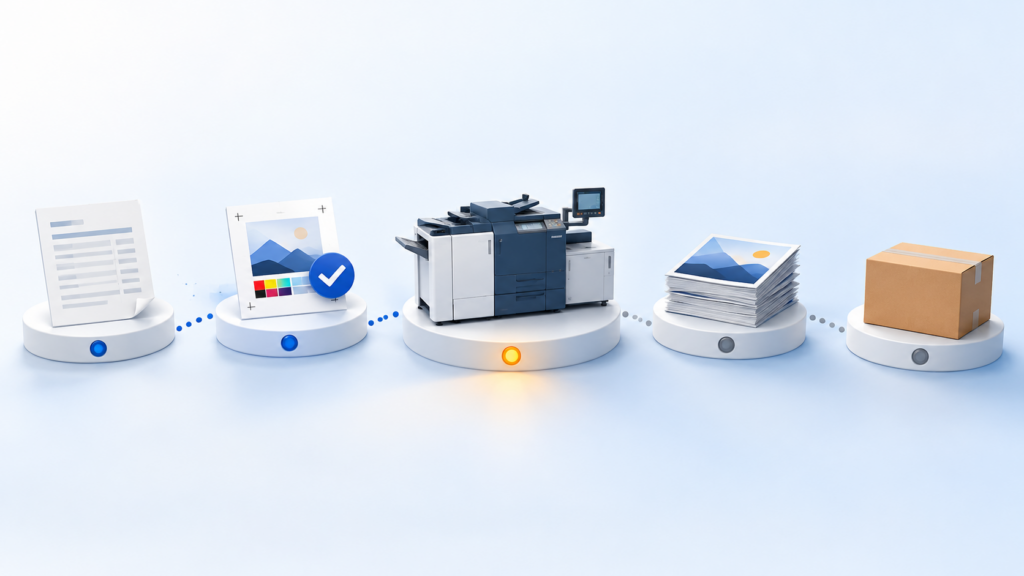
Web-to-print moves the routine part of that work to the client. They log in to their own store, pick the item, change what they are allowed to change, and place the order. Your team still handles the work that needs a person: new items, unusual jobs, anything that needs a conversation.
What a business client can do in their own store
A good B2B store feels simple to the person ordering, because most of the decisions were made when the store was set up. In a typical store, a client can:
- Browse a catalog of their own approved products, under their company name and logo.
- Choose from the options you allowed: sizes, quantities, paper, turnaround.
- Personalize a template, such as a business card, by typing a name and title into fields while the logo and layout stay locked.
- See the price as they choose options, based on the pricing you set.
- Find a past order and reorder it.
- Check where an order is, without calling you.
For larger clients, approval rules matter as much as the catalog. A marketing manager may want to approve orders placed by branch staff, or accounting may need a PO number on every order. Those rules are part of what makes a corporate client comfortable letting many people order.
What the shop sets up behind the store
The client sees a short list of products. Behind each one is setup work that your shop does once:
- Products and options. Decide which items each client can order and which choices they get. A client who always orders 16 pt cards in boxes of 250 or 500 doesn’t need to see every stock and quantity you offer.
- Pricing. Set the prices or price breaks the store should use. Jobs that need an estimator, such as unusual sizes or large runs, can go to a quote request instead of a fixed price.
- Templates. For personalized items, build the template once and decide which fields can change. Locking the logo, colours and layout is what keeps a client’s brand consistent across 40 locations.
- Shipping. Set the delivery and pickup choices that fit the client, including where tracking links should point.
- Rules. Turn on what the client asked for: PO numbers, order approvals, limits on who can order what.
This is also where most of the effort goes. A store with three well-built products is more useful than a store with forty items nobody finished setting up.
Why storefronts go unused, and how to avoid it
Plenty of shops have launched a storefront that clients barely touched. The reasons tend to be practical rather than technical. A column in In-plant Impressions names three common ones: not knowing which customers and problems the store is for, treating the launch as one big event instead of starting small, and having nobody in the shop who owns it.
A few habits help:
- Start with one client who already reorders. Pick someone with a short list of repeat items and a contact who is tired of emailing you. Trade coverage of storefront rollouts makes the same point: begin with existing clients, learn, then add more.
- Give it an owner. One person on your team keeps the catalog current, fixes small problems quickly and talks to the client about what to add.
- Load their history. A store that already shows the client’s usual items feels familiar on day one. One vendor’s advice is to place the first orders on the client’s behalf until they get used to it.
- Keep the email door open, for now. Clients will still email. When they do, it is a good moment to show them that the same order takes a minute in their store.
- Add products when the client asks for them. A small store that matches what they actually order beats a large one they have to search.
Where web orders go after the client clicks order
This part decides whether web-to-print saves your team time or just moves the retyping somewhere else. If web orders arrive as emails or a separate list that someone copies into your shop system, you still have the double entry, plus a new place to check.
What you want is for a web order to land where every other order lives: the same order list, the same job steps, the same shipping and invoicing as a job your CSR entered from a phone call. Then production doesn’t care where the order came from, the client’s order history stays in one place, and nobody has to remember to check the store.
When you compare systems, ask to see this part in a demo: place an order in the store, then follow it into production, shipping and the invoice.
How Print WorkTraq handles web-to-print
Print WorkTraq is software for commercial print shops that connects WorkTraq MIS (quotes, orders, production, shipping and invoicing), Web-to-Print and Styler, our online designer, in one platform.
With Web-to-Print, you can set up a B2B store for a client with their company name, logo and storefront settings. Store products are created from the master products you have already configured, and you can choose which options each store shows. Prices are calculated from the pricing and options you set up, and products that need cost confirmation can require a quote request instead. For B2B stores, PO numbers and order approval rules can be turned on when a client needs them.
Clients have accounts where they can see past orders, reorder them and follow the status of orders they placed online. When an order ships, the customer gets an email with the tracking number.
For personalized items, Styler templates lock the parts that must not change, such as the logo, background and layout, and generate the print-ready artwork when the client finishes their edits.
Web orders link to sales orders in WorkTraq MIS, the same system your team uses for orders that start as a quote or come in by phone or email. That is the part that keeps a growing shop from keeping two sets of records. If your reorders still arrive by email, see how this works for growing print shops.
To see a store, an order and its sales order on real screens, book a demo.
Sources