
ONLINE PRINT ORDERING
Online Print Ordering Software That Connects Orders to Production
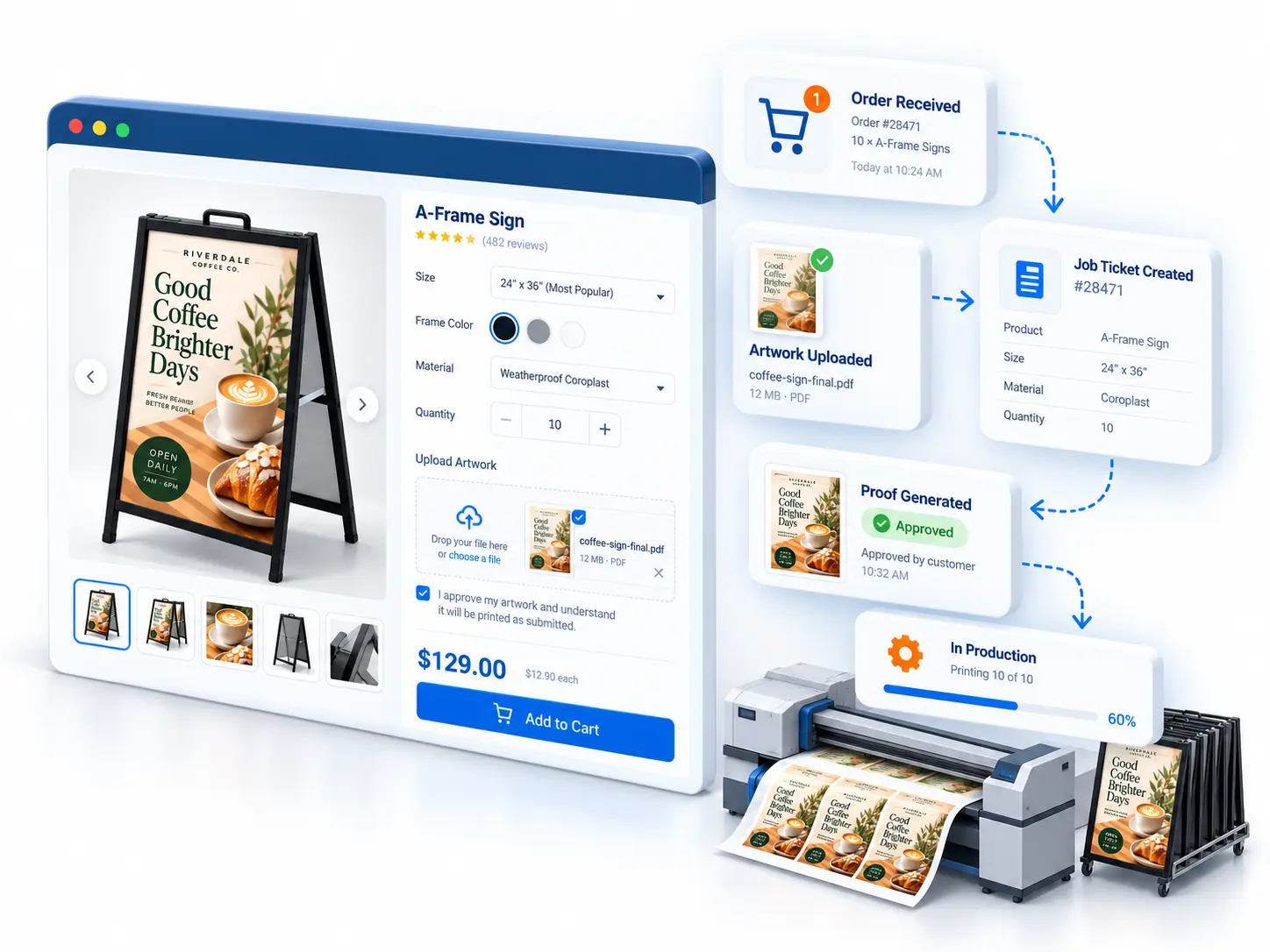
Give your customers a way to browse print products, choose their options, upload artwork, and place orders online. Print WorkTraq keeps the submitted order details connected to your shop, so your team can pick up where the customer left off.
THE PROBLEM
Online Orders Shouldn’t Require Constant Back-and-Forth
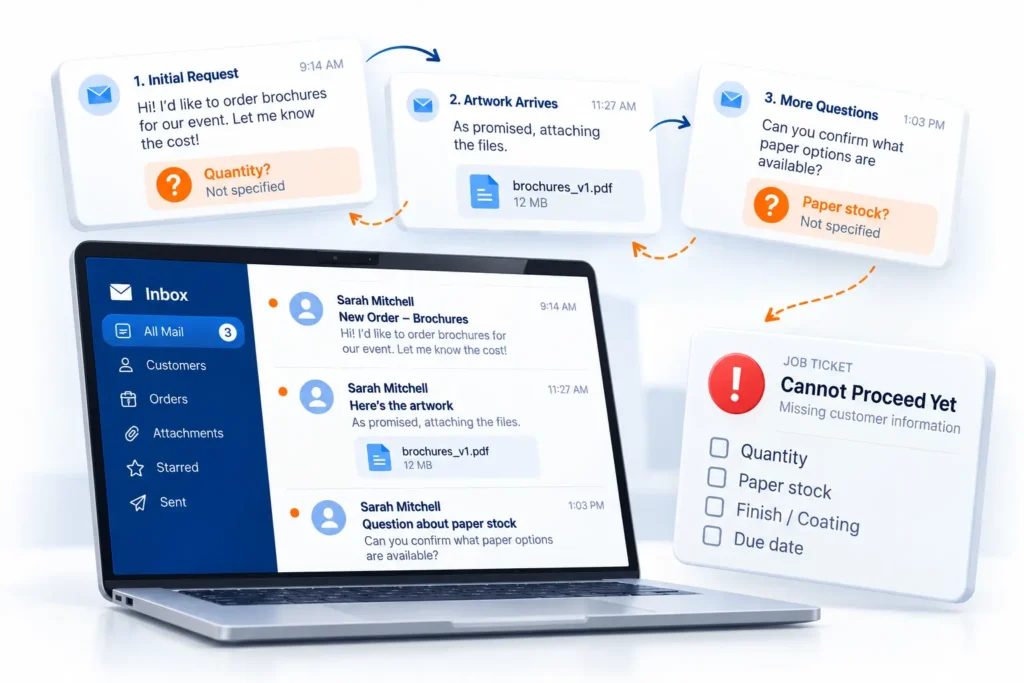
An order comes in by email, but the quantity is missing. The artwork arrives later, followed by another message about paper stock. Before your team can start, they’ve already spent time chasing details.
Online ordering gives customers a place to provide that information upfront.
THE CUSTOMER JOURNEY
From Product Selection to Submitted Order
Customers can work through the ordering process themselves, from choosing a product to submitting the details your team needs.
FROM ONLINE ORDER TO SHOP WORKFLOW
The Order Doesn’t Stop at the Storefront
Once a customer submits an order, your team still needs to review the details, check the artwork, and prepare the job. Print WorkTraq keeps the information collected online connected to the order your team works with.
Your customers handle more of the ordering process, while your team receives the information needed to review and process the job.
THE OUTCOME
Spend Less Time Taking Orders. More Time Moving Jobs Forward.
When customers provide product details and artwork during ordering, your team has less information to collect manually and a clearer starting point for each job.
LESS
back-and-forth
CLEARER
order information
MORE
customer self-service
FEWER
artwork follow-ups
MORE CONSISTENT
operational handoffs
ORDERING SCENARIOS
Online Ordering for Different Print Customers
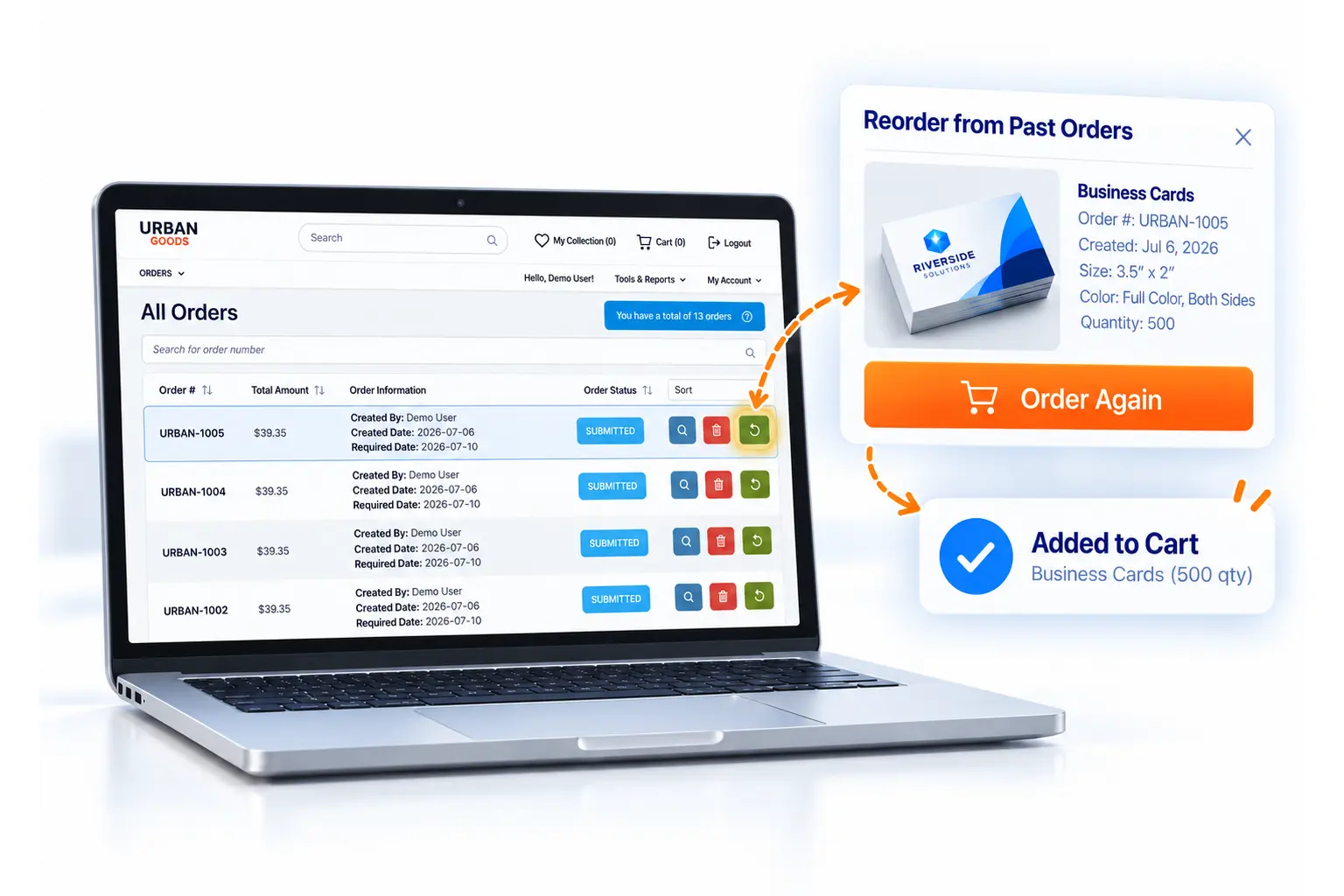
Ordering a Familiar Product Again
Returning customers can access their online ordering account and find the products they need without starting every request over email.
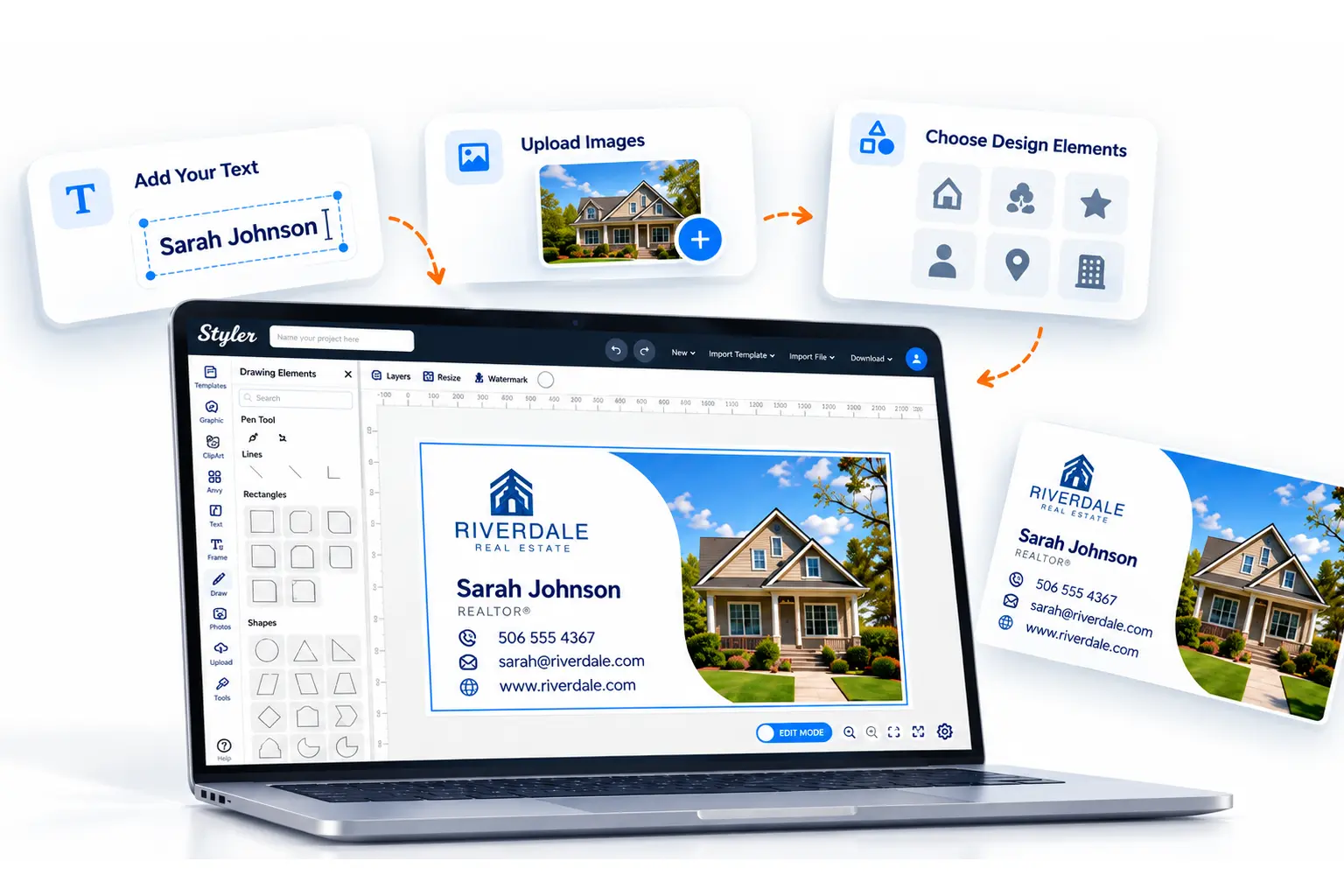
Personalizing Before Ordering
For eligible products, customers can add their own text, images, or design elements using Print WorkTraq’s Online Designer before submitting an order.
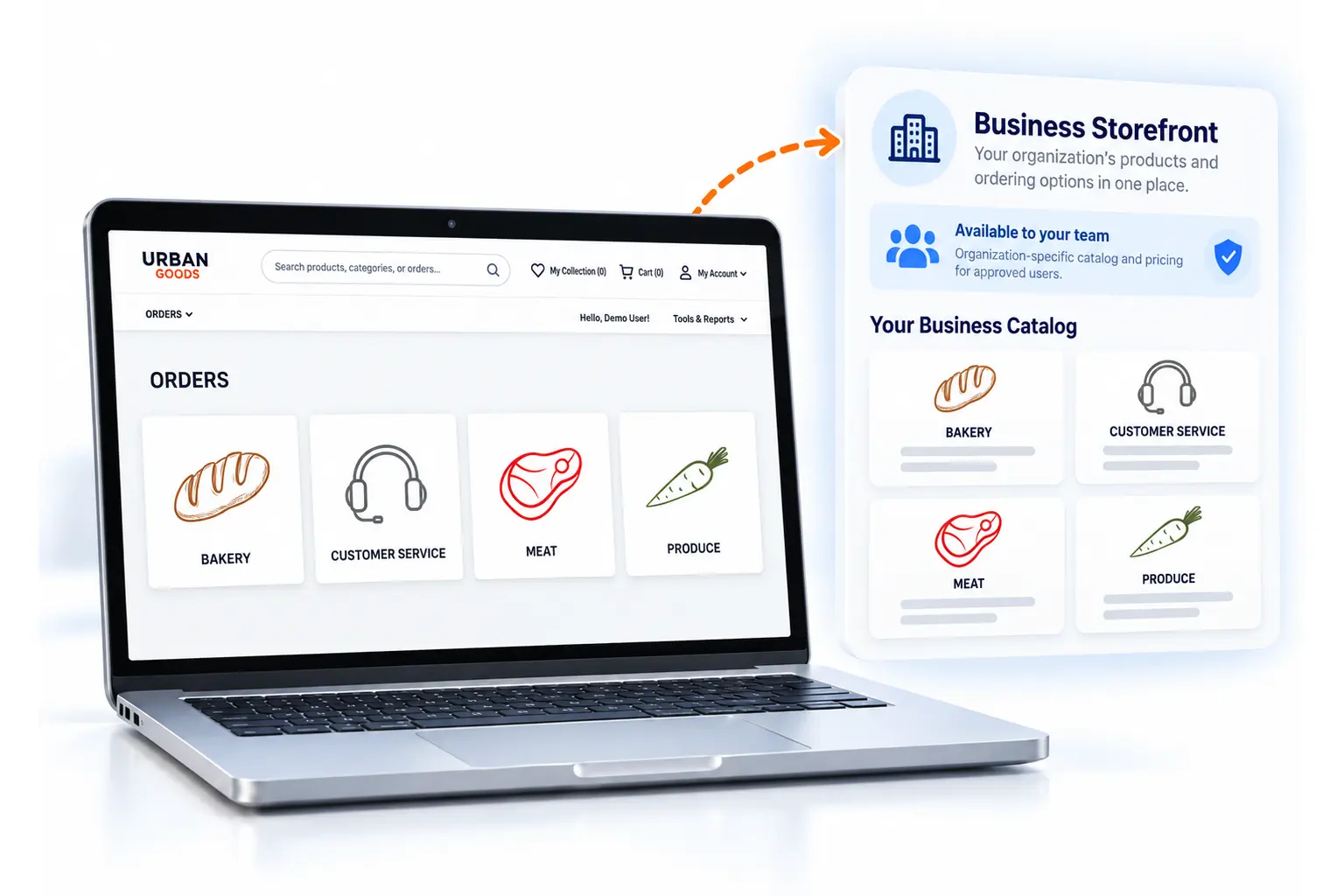
A Dedicated Place for Business Customers
Give business customers an online storefront with the products and ordering options available to their organization.
Frequently Asked Questions
How can customers place print orders online?
Can customers upload artwork when ordering?
Can customers customize print products before ordering?
What happens after a customer submits an online print order?
Can existing customers use an online print ordering portal?
What's the difference between online print ordering and Web-to-Print software?
Ready to Take Print Orders Online?
See how customers can choose products, upload artwork, and place orders through your online storefront, while your team manages the submitted orders in Print WorkTraq.