ONLINE DESIGNER

Styler: Online Product Designer for Print Businesses

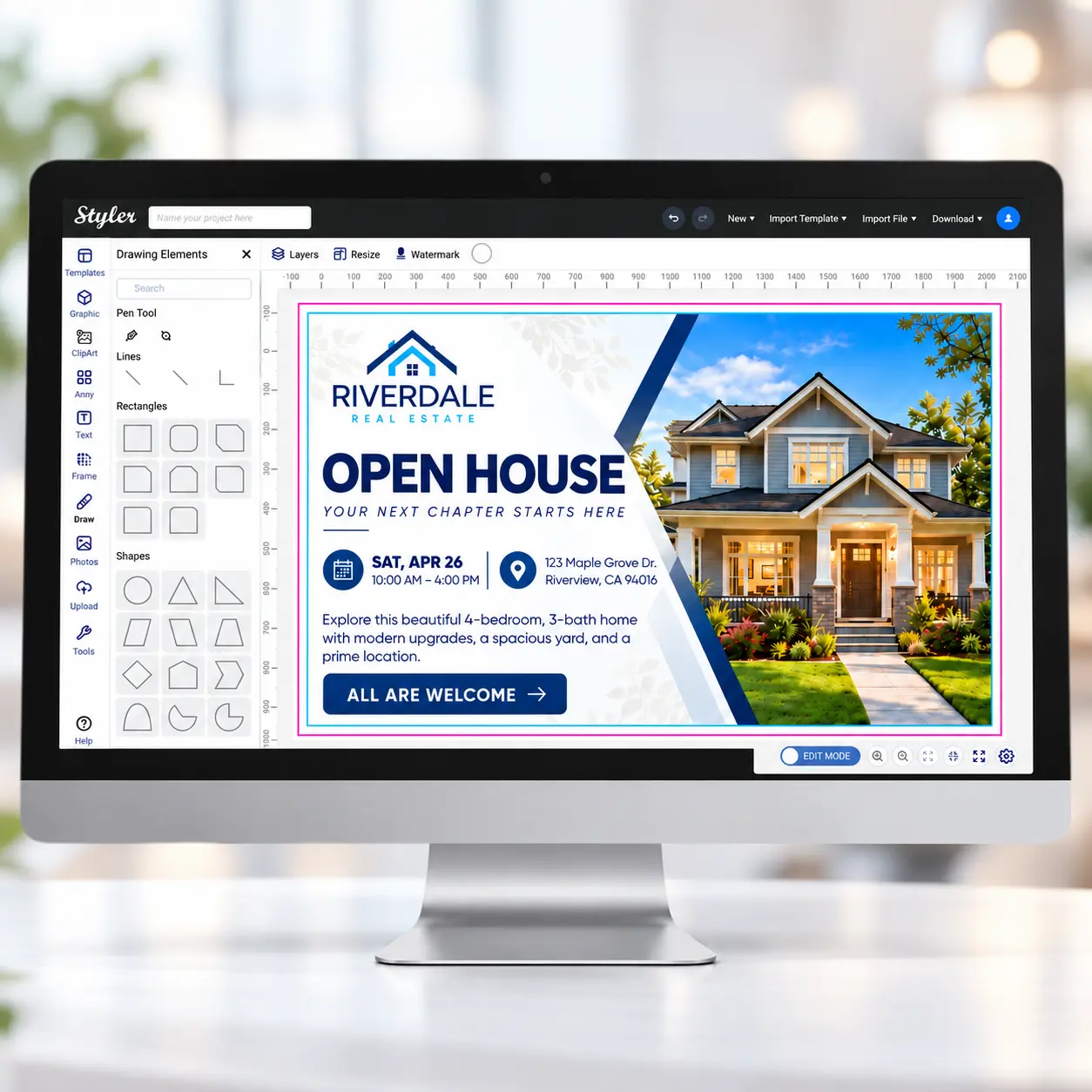
Styler lets your customers personalize print products online with templates, editable text, images, logos and live previews — all connected to Print WorkTraq Web-to-Print and production workflows.

Powerful Online Designer Capabilities

Styler gives customers the tools they need to personalize print products while keeping your business in control.
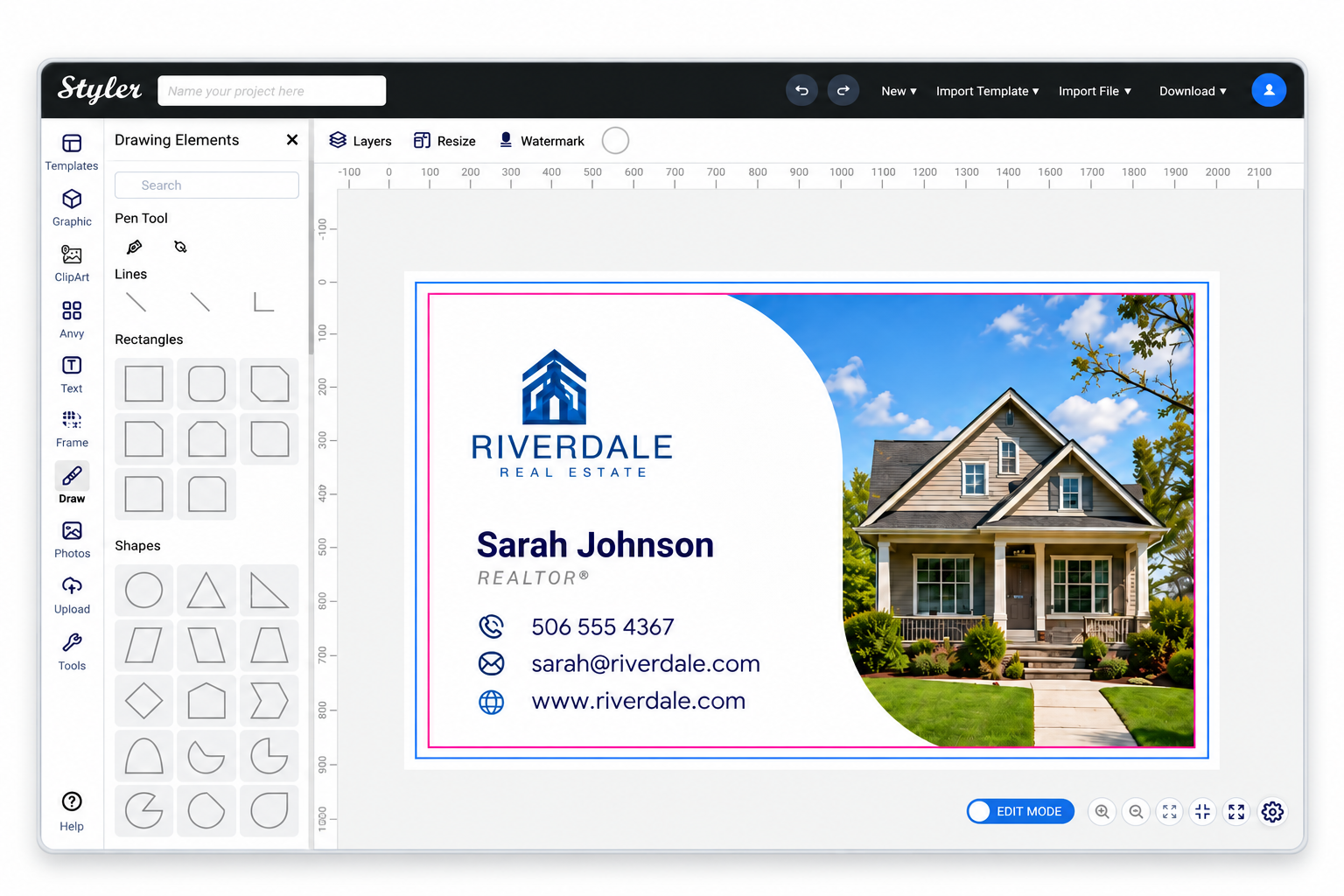
Template Library

Use professionally prepared templates designed for specific print products.

Text Editing

Let customers edit and format approved text areas.

Image Upload

Allow customers to upload and position their own images.

Live Preview

Show customers how their design changes as they edit.

Logo Upload

Add customer logos within defined design areas.

Controlled Design Areas

Define what customers can edit and what remains locked.

Color Options

Offer approved color choices for selected design elements.

Print-Ready Artwork

Move completed designs toward production with fewer manual artwork steps.

Let Customers Personalize Print Products Online

Give customers a simple, guided design experience while keeping artwork on brand and production-ready.
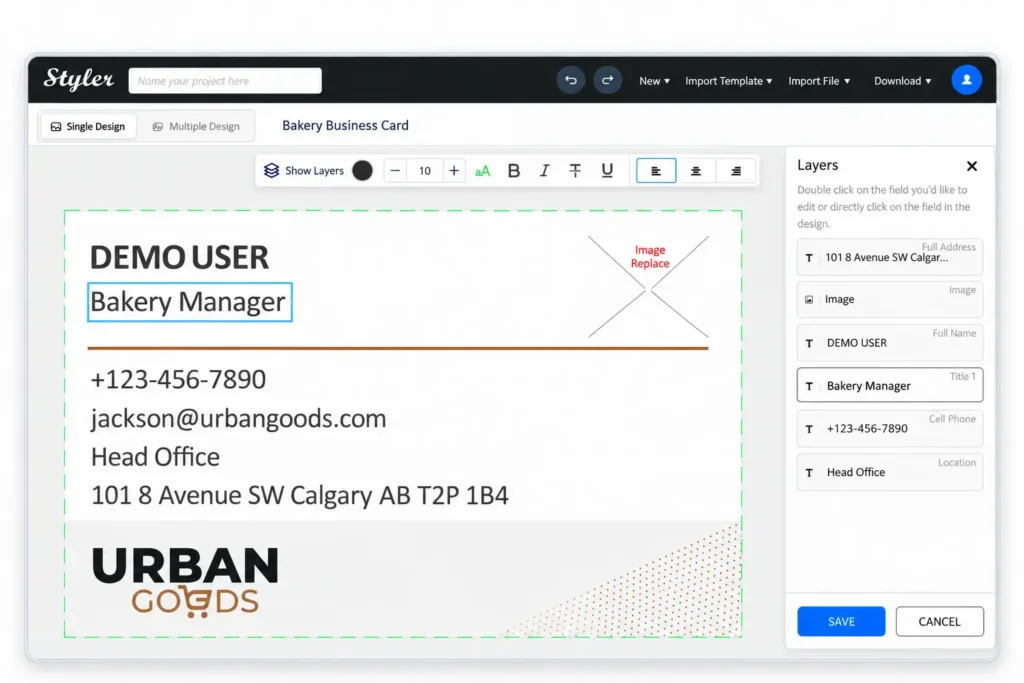
Choose a Template

Start with professionally designed, print-ready templates for your products.

STEP 1

Customize

Edit text, upload images or logos, and make approved design changes.

STEP 2

Preview and Submit

Review the design, confirm the details, and submit it with the order.

STEP 3

Give Customers Freedom Without Losing Design Control

Choose which elements customers can personalize and which stay protected. Maintain brand consistency, protect important design elements, and create cleaner artwork for production.

Connect Product Design Directly to Online Ordering

The Online Designer works with Print WorkTraq Web-to-Print so customers can personalize products and place orders in one connected experience.

Key Benefits for Your Print Business

Reduce Artwork Back-and-Forth
Help customers submit cleaner designs from the beginning.
Create More Consistent Artwork
Use templates and design controls to keep layouts consistent.
Make Personalized Products Easier to Sell
Give customers a simple self-service design experience.
Connect Design With the Order
Keep customer artwork connected to product and order information.
FAQ

Frequently Asked Questions

Get answers to common questions about the Print WorkTraq Online Designer.

What is Styler?
Styler is Print WorkTraq’s browser-based online product designer that lets customers personalize print products using controlled templates, text, images, logos and editable design areas.
Can I control what customers can edit?
Yes. You can define editable areas while keeping important elements such as logos, backgrounds, and fixed content protected.
Can customers use existing templates?
Yes. Customers can start from approved templates and personalize only the elements you make available for editing.
Can customers upload their own images or logos?
Yes. Customers can upload images and logos when those options are enabled for the product or template.
Can customers preview their design before ordering?
Yes. The Online Designer provides a live preview so customers can review their changes before submitting the order.
How does the Online Designer work with Web-to-Print?
The Online Designer handles product personalization while Web-to-Print manages the online product and ordering experience.
Can designs move into print production?
Yes. Completed designs stay connected to the order so artwork can move into the downstream Print WorkTraq workflow.
Is the Online Designer part of Print WorkTraq?
Yes. Online Designer works alongside Web-to-Print and WorkTraq MIS as part of the connected Print WorkTraq platform.

Ready to See the Online Designer in Action?

See how Print WorkTraq can connect customer product design, online ordering, and print production in one workflow.

x

One connected platform for modern print businesses.

Contact Us